SteelBox interactive demo
Explore the review approach behind SteelBox by PencilHB. This is a browser illustration with example member data, not the production product or an AI analysis of your drawings.
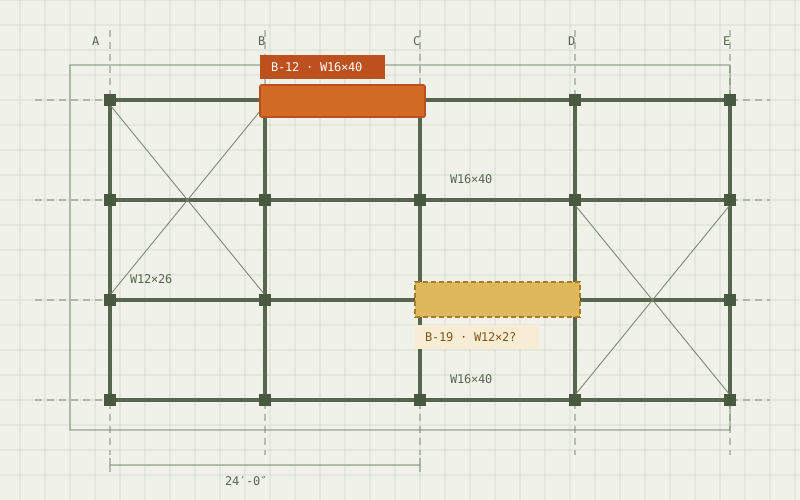
Drag to rotate · Click a member
From a suggestion to a reviewed member.
A found member and a confirmed member are different states. The illustration makes that distinction visible in a small steel frame. Example section labels, lengths and review flags give context to each decision.
In the product workflow, those decisions start with the source drawing. The reviewer checks the evidence, calibrates measurements and approves any grouping before accepting the data. Read how the full takeoff workflow works for the steps surrounding member review.
Evaluate SteelBox on your own workflow.
This illustration does not accept uploads, calculate a project takeoff or demonstrate recognition accuracy. Its examples are illustrative and are not suitable for a bid, order or engineering decision.
For a product discussion, tell the PencilHB team about the drawings, standards and review process you work with. Request a product demo to discuss pilot fit, or return to the SteelBox product overview.